Booking.com
How Booking.com search decides who shows first
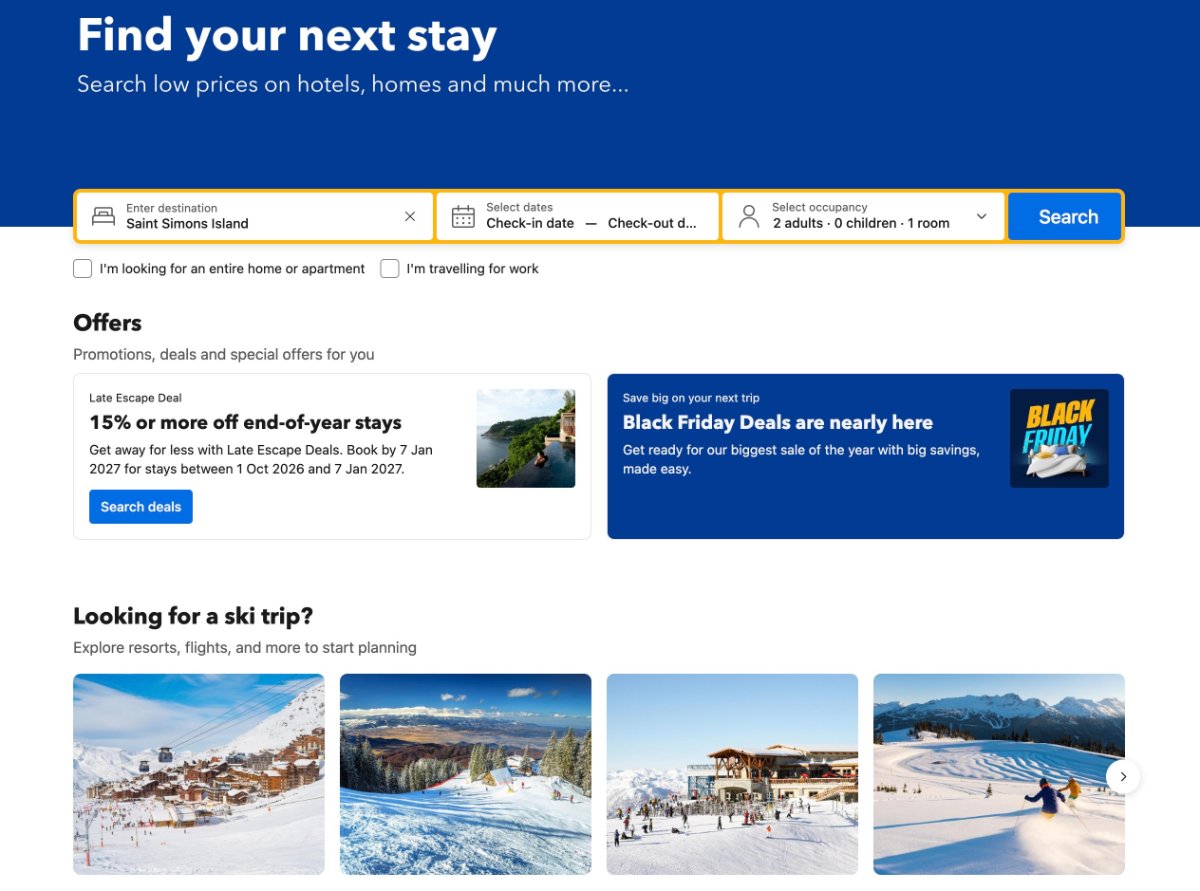
Most guests on Booking.com never scroll far. Booking.com says 80% of bookings go to properties on the first page of results. So where your property sits in the list can matter as much as the property itself.
This guide explains what Booking.com itself says about how its results are ordered, and which parts you control. It uses only what Booking.com publishes on its Partner Hub and its "How we work" page at the time of writing (November 2026). Revamp is not affiliated with Booking.com, and nobody outside Booking.com knows the full formula, so be careful with anyone who promises you a top spot.
The short answer
Results start sorted by "Our top picks". Booking.com says a property needs to do well on three things to rank high: how often guests click on it, how many bookings it gets, and how many of those bookings it keeps after cancellations. Those depend on your price, your reviews, your open dates, your policies and how good your property page is. Booking.com also says the commission you pay, how quickly you pay it, and whether you're in Genius or Preferred can move you up. Work on the parts that are free first: open dates, fair prices, a complete page and fewer cancellations.
What Booking.com says it looks at
Booking.com's "How we work" page says results are first sorted by "Our top picks" (called "Popularity" in the app). To appear high up, a property needs to do well in three areas:
- Click-through rate. How often guests who see you in the list click on you
- Gross bookings. How many bookings you get
- Net bookings. Bookings minus cancellations
Booking.com says these numbers depend on many factors, including review scores, availability, policies, pricing and the quality of your content, such as photos. Its Partner Hub adds that results are produced by algorithms that predict how likely a property is to be booked for each search, and that the weight of each factor changes from search to search. There's no fixed formula to learn.
What you can and can't change
You control your price, your open dates, your photos and details, your policies and how you look after guests. You can't control your location or what a guest searched for.
Price: compared on Booking.com
Booking.com lists "prices offered on Booking.com" as a ranking factor and advises competitive prices there. It compares what guests see for their dates, so check the whole stay, not just the nightly rate.
Say your nightly price is ֏30,000 and you add a ֏10,000 cleaning fee. A one-night guest pays ֏40,000 before taxes. A three-night guest pays ֏100,000, or about ֏33,300 a night. The same property can look expensive for one night and fair for three.
Prices on other sites
Armenia is a "narrow parity" country in Booking.com's terms. Booking.com says that, for properties in these countries, it doesn't take your prices on other channels into account when it ranks you. Its terms do ask for the same or better prices than on your own website. Chapter 3 explains what that means.
Never cut below your floor to climb. Pricing your first season shows how to work your floor out.
Open dates and restrictions
A property can only appear for dates it can actually be booked on. Booking.com's Partner Hub says the more dates you make available, the more visible you become, and suggests keeping your calendar open as far as 24 months ahead. It also says that if a guest searches for a stay your restrictions don't allow, you might not appear at all.
In practice, check three things:
- Closed dates you forgot about. Old blocks for repairs or family visits that no longer apply
- Minimum stays that are too long. A three-night minimum hides you from every two-night search. Minimum stays, discounts and longer stays covers how to set them by season
- A short calendar. If your prices stop in six months, you're missing from searches for later dates
Your property page: photos, facilities and the page score
Booking.com says your main photo is one of the first things guests see while they scroll, and that leaving out facilities can hide you from guests who filter for them. Its example: not mentioning parking or that pets are welcome blocks guests with cars or animals from finding you.
Property page score
In the Extranet, go to Property → Property page score. It's a checklist of how complete your page is: more photos, better photos, photos tagged by room, facilities, services, languages spoken, room and bed sizes. Booking.com says a 100% score can lead to up to 18% more bookings than incomplete content. Its ranking article lists "the quality of your property page" as a factor.
- Tick every facility you really have
- Never tick one you don't, because guests rate the stay against it
- Tag your photos, so guests find the room they're looking for
How to get great listing photos and Writing a listing that gets booked cover the basics.
Reviews and cancellations
Review scores feed your ranking through clicks and bookings: a strong score earns the click. Chapter 2 explains how Booking.com works out your score.
Cancellations count against you directly, because Booking.com ranks on net bookings, which are bookings minus cancellations. Booking.com doesn't say whether a cancellation you caused counts differently from one the guest made. Either way, the fewer bookings fall away, the better.
What helps
- An accurate calendar everywhere you sell, so you never overbook
- Clear house rules and check-in details, so guests know what they're booking
- A flexible cancellation policy where it suits you. Booking.com says a "Flexible – 1 day" policy also puts you in front of guests who filter for flexible stays
Chapter 4 covers cancellation policies and rate plans in detail.
Paying for visibility
Booking.com is open that some visibility is paid for. Its "How we work" page says ranking can be influenced by how much commission a property pays and how quickly it pays it, and by membership of Genius or the Preferred Partner programmes.
What you can pay for
- Genius. You give Genius members a discount, at least 10%, and get Genius branding, filters and campaigns
- Preferred Partner and Preferred Plus. More commission for more exposure and a thumbs-up badge. Booking.com tells guests the thumbs-up means the property pays a higher commission
- Visibility Booster. Higher commission for chosen dates and markets, set with a slider, for short periods
- Sponsored Listings. Paid ad spots won at auction, labelled "Ad". Booking.com says they lift a property by an average of eight places
Chapter 2 covers Genius and Preferred, and how to work out whether they pay.
New properties
Booking.com doesn't describe a ranking boost for new properties. It offers a New Property Deal instead: a temporary 20% discount for your first guests, which ends after three bookings or 90 days, whichever comes first. Booking.com says it helps you get your first bookings and reviews faster. Its quality rating for homes and apartments also helps new holiday rentals be seen before they have reviews, Booking.com says.
Every guest sees a different list
Booking.com says results are personalised for each traveller, using their search, previous searches (unless they've opted out), country and language. Two guests searching the same dates can see a different order. There is no single position that is "yours".
Where to see how you're doing
In the Extranet:
- Analytics → Your search ranking and booking performance (also called the Ranking dashboard) shows your visibility and how guests move from search results to your page to a booking
- Boost performance → Opportunity Centre lists suggestions by impact and refreshes weekly
- Analytics → Cancellation characteristics shows how many bookings you lose and when
Check them once a month, and change one thing at a time so you can tell what helped.
Search mistakes to avoid
- Believing anyone who promises a fixed position
- Comparing nightly rates when guests see the whole stay
- Cutting your price below your floor to climb
- Leaving old closed dates and long minimum stays in place
- Ticking facilities you don't have
- Overbooking because your calendars aren't in sync
- Paying for visibility before the free basics are done
Your checklist
Your calendar
- Old closed dates removed
- Minimum stays set by season
- Prices loaded well ahead, up to 24 months
Your page
- Property page score checked and gaps filled
- Every true facility ticked, nothing false
- Photos tagged, main photo your strongest
Your habits
- No overbookings, calendars in sync
- Cancellation policy reviewed
- Ranking dashboard checked monthly
Questions hosts ask
Why does my property show on page one for me and page four for my friend?
Booking.com personalises results using each traveller's searches, country and language. Different guests see different orders.
Will cutting my price always move me up?
Not always. Price is one factor among many, and the weight changes with every search. A price below your floor loses money on every booking, wherever you appear.
Does paying more commission really move me up?
Booking.com says commission and its paid programmes can influence ranking. Whether the extra bookings cover the cost is a sum you should do first. Chapter 2 shows how.
Does Revamp know Booking.com's ranking formula?
No. Revamp is not affiliated with Booking.com. This guide only explains what Booking.com publishes on its Partner Hub and its "How we work" page at the time of writing.