Tours & experiences
Getting your tours on Google
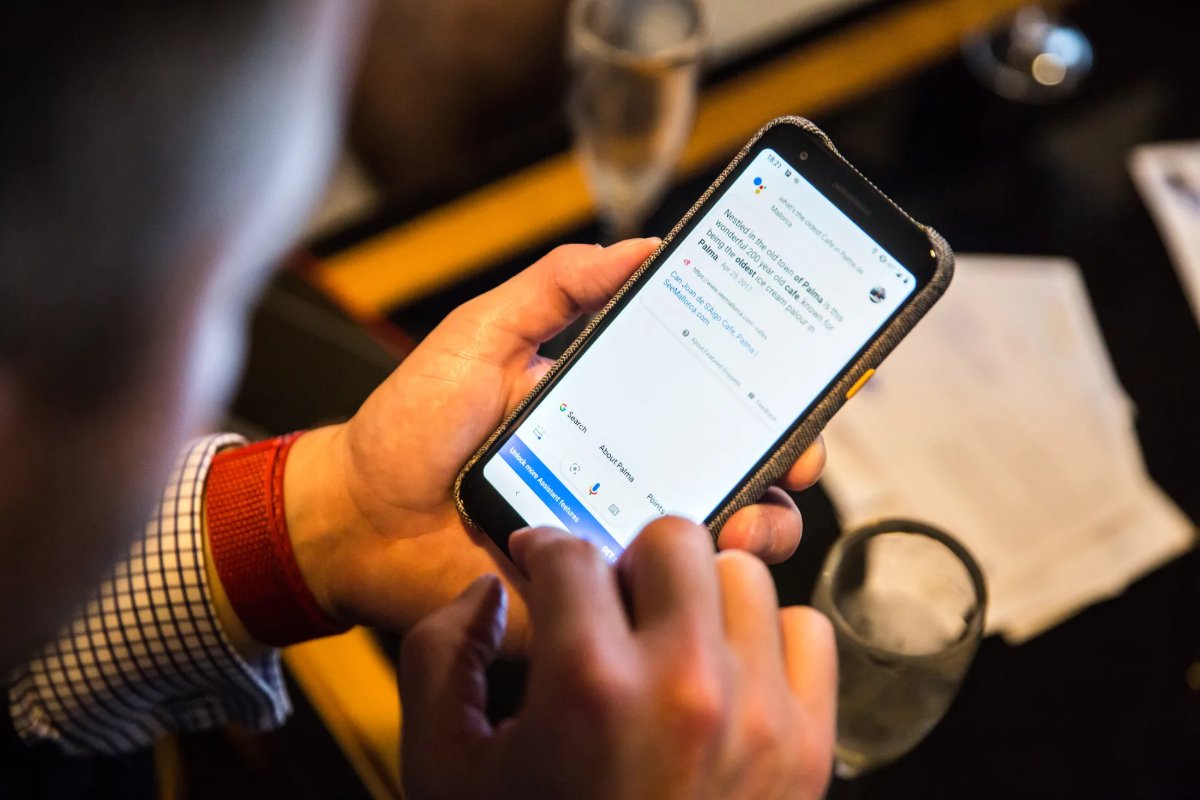
A guest planning a day in Armenia often starts on Google: "wine tour from Yerevan", "cooking class Yerevan", "Garni and Geghard tour". Google can answer with tours, prices and booking buttons, right in Search and on Maps. If your tours are there with a clear price, you're in front of that guest before they open any booking site.
This guide explains how tours and experiences appear on Google, the free way to add your own, Google's price rule, and how to set up your profile, meeting points and reviews as a tour operator. It uses Google's own help pages at the time of writing (November 2026). Google changes these features often and doesn't say which ones are open in which country, so check what you see in your own profile. Revamp is not affiliated with Google.
For who can have a Business Profile, how to fill it in and Google's review rules in general, start with Your Google Business Profile and website when AI does the searching. This guide goes deeper for tours.
The short answer
Claim and verify your Google Business Profile as a tour operator. Then add each tour in the profile's free activities editor with a name and a booking link, or let a booking system that's connected to Google send them. The price you show must be the full price for one adult, including every fee and tax, and the same as on the booking page. Share meeting points as a map pin, not as a separate profile. Ask your guests for a Google review the day after, without offering anything in return, except those who booked through GetYourGuide or Viator.
Where tours show up on Google
Google calls this Things to do. Tours, attractions and activities appear in Google Search and on Google Maps, with booking options and prices, including on the tour operator's own profile.
- Free booking links. Listing a tour costs nothing. When a guest clicks, they go to the booking page you or your partner chose
- Paid ads. Booking systems and booking sites can also pay per click to show ads. You don't need ads to appear, and at the time of writing Armenia isn't on Google's list of destinations for Things to do ads, so for tours here the free listings are what count
- "Official site". Google marks a booking option as the official site when it's the operator's own main booking page, checked against the Business Profile
If you're already on GetYourGuide, Viator or another booking site, your tours may already show on Google with their booking links.
Two ways in
1. The free activities editor in your Business Profile
Google lets tour operators and attractions add their tours themselves, in the "Tickets & activities" editor (tour operators see it as Activities). Only the name of the activity and a booking link are required.
- Free, and no booking system needed
- Shows in Search and on Maps, not in paid ads
- Booking options from connected partners show before the ones you add yourself
2. A booking system connected to Google
Google calls these connectivity partners and strongly recommends one for single operators. Its list has around 200 names, including reservation systems such as Bokun, FareHarbor, Rezdy, Regiondo, Bookingkit, TrekkSoft and Ventrata, and booking sites such as GetYourGuide, Viator, Klook and Civitatis. A partner sends your tours, prices and availability for you. Most charge for the system or take a commission on each booking, and the list doesn't say which partners work in which country.
Our suggestion: start with the free editor and your own booking page. Look at a partner once you sell enough tours to pay for a reservation system.
Adding a tour in the activities editor
- Verify your profile. Google chooses how: a phone call or text, email, a recorded video, a live video call or a postcard. If video is offered, Google recommends it
- Open your profile's activities. Find "Tickets & activities" or Activities when you edit your profile
- Name the tour plainly. "Wine tasting in Areni with lunch", not "BEST wine tour!!!". Google doesn't allow promotional words in titles
- Add the booking link. Straight to that tour's page, where a guest picks a date and pays, not to your home page. On Revamp, that's your tour's listing page
- Add the price. The full price for one adult, with every fee and tax (see below)
- Check the booking page. It must show your name as the operator and the same price, clearly. Revamp tour pages say "Hosted by" with your business name, so use the same name as on Google
- Repeat for each tour, then search for your business on Google and Maps to see how it looks
Google's content rules for activities also say: photos at least 300 × 300 pixels with no logos or promotional text, the duration given at the low end of the range, and no airport pickups or transfers sold on their own (tours that include transport are fine).
The price rule
Google is strict about prices, because a guest who clicks a price and finds a higher one at checkout feels misled.
- Everything included. The price must include all fees and taxes, including anything collected on the day, such as entrance tickets you charge separately
- The same as checkout. It must match the final price on the booking page, and the booking page must show it clearly
- For one adult. Google doesn't support group prices, and a price only for residents, children or seniors isn't allowed
- Bookable soon. The price must be available within the next 7 days or, if nothing is open that week, within 120 days
Google can show listings lower, hide them or suspend them when prices don't match.
On Revamp, tour and experience pages show the price per person including the 10% tax, for example "֏30,800 / person incl. 10% tax". Use that figure on Google. If you charge a named extra fee per guest, such as entrance tickets, add it to the price you enter on Google. Change Google whenever you change your price on Revamp.
If your tour has a flat price for a private group, it doesn't fit Google's one-adult price. Keep it on your booking page and list your shared tours on Google.
Your profile as a tour operator
Category. Choose what your business is, as specific as possible and as few as possible.
Address or service area. Google needs a business to meet customers in person. If you work from home and meet guests at the start of each tour, set up a service-area profile and hide your address. List up to 20 cities or areas, no more than about two hours' drive from where you're based. An office needs your sign and staff there; a virtual office isn't allowed.
Description. What you do and where, in plain words. Google doesn't allow links, promotions or prices in it.
Services. Add your tours as services with a short description and a price. Keep prices out of the service names.
Booking links. You can add up to 10 booking links and choose one as the business's preferred one. Make it your own booking page.
Meeting points on Maps
A meeting point is not your business, so it can't have its own Business Profile: Google doesn't allow profiles for a service you run at a place you don't own or represent.
What works instead:
- A map pin. Drop a pin in Google Maps at the exact spot and share it in your meeting message
- A Plus Code. Every pin has one, a short code that works where street addresses don't, even for a particular entrance
- A photo of the spot in your listing and meeting message
- A missing landmark. If the café, statue or gate you meet at isn't on Maps, anyone can add it. Add the real place, not your tour
Running a tour or experience guests remember covers the meeting message itself.
Google reviews after a tour
Google reviews are public, need a Google account, and help guests choose you on Maps.
Allowed
- Asking every guest for an honest review (but see booking-site guests below)
- Sharing your profile's review link or QR code
Not allowed
- Offering anything in return: a discount, a free tasting, a gift
- Asking only the guests who looked happy, or discouraging the others
- Pressing guests on the spot, or asking them to name a guide
- Reviews from staff, family or friends
Guests from booking sites. GetYourGuide doesn't let you ask its guests for reviews on other sites, and Viator lets you contact its guests only to deliver the booking or handle a complaint. Ask them on the site they booked through, and ask for Google reviews from guests who booked with you directly or on Revamp.
The day after the tour works well, in a short message with one link. On Revamp, Customer Journey's "Thank you" message can lead guests to the review sites you choose, Google included. You can reply to reviews once your profile is verified; Google checks each reply first. Report a review only if it breaks Google's rules, not because you disagree with it. Replying to every review gives you a structure.
Mistakes to avoid
- A price on Google without the tax or the extra fee, so checkout shows more
- A group price where Google expects one adult
- Promotional words or capitals in tour names
- A separate Business Profile for your meeting point
- Your home address on show when you only meet guests on the road
- Prices changed on your booking page but not on Google
- Discounts or gifts for reviews, or asking only happy guests
Your checklist
Your profile
- Profile claimed and verified as a tour operator
- Service area set if you work from home
- Tours added as services, booking links added
Your tours on Google
- Each tour added in the activities editor, or sent by a partner
- Plain names, real photos, duration at the low end
- Price for one adult, with every fee and tax, the same as on the booking page
On the day and after
- Meeting point shared as a pin or Plus Code
- Google review link sent the day after to guests who booked directly or on Revamp
- Prices checked on Google whenever you change them
Questions hosts ask
My tours already show on Google with GetYourGuide's link. Why?
GetYourGuide, Viator and other booking sites are connected to Google and send the tours they sell for you. Their options show before the ones you add yourself. You can still add your own booking page in the activities editor.
Do I need my own website?
No. Google needs a booking page that shows your name, the tour and the same price. Your Revamp listing page does that.
Is this available in Armenia?
Business Profiles are. Google doesn't say country by country which Things to do features are open, so check your own profile. At the time of writing we've seen booking options on Armenian tour operators' profiles.
Can I show my private-group price?
Not as the Google price: Google wants the price for one adult. List your shared tours on Google and keep group offers on your booking page.